Who We AreWork We MakeOur CultureHow We HelpNews & ViewsArtificially InspiredLet’s ChatInstagramLinkedIn
Barcelona
London
Rio de Janeiro
With 2026 ahead of us, there’s no doubt we’ll see a steady stream of new AI models landing throughout the year.
The real question is: how do you get a grip on them quickly, and actually use them well as soon as they drop?
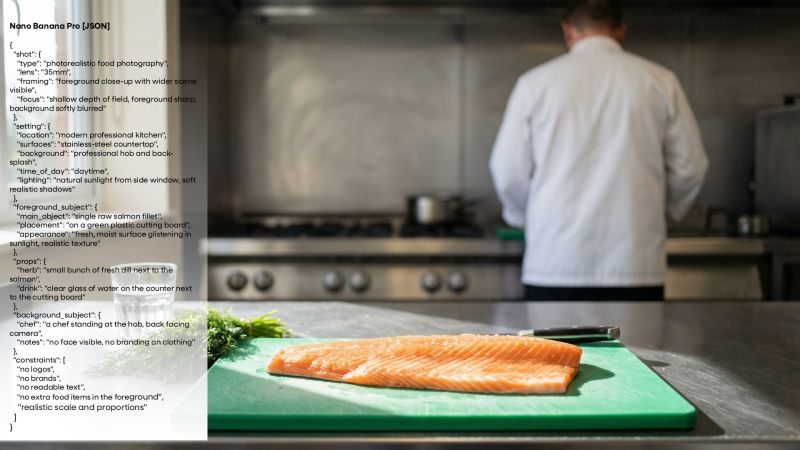
For our first Artificially Inspired of the year, we wanted to share how we approach making sense of the ever-growing mix of models, without overcomplicating things.
Every model responds differently to prompting. Different structures, different levels of detail, different quirks.
The good news is that most models are becoming far more prompt-adherent and comfortable with natural language, and many now ship with their own best-practice guides. That’s always a good place to start.
Learn how it likes to be spoken to. We use the same three steps every time:
1. Start simple, then build
Begin with a clean base prompt that nails the core subject. Once that’s working, layer in detail: lighting, lens, composition, materials, style.
2. Change one thing at a time
Avoid rewriting large chunks of the prompt. Small, deliberate changes make it clear what’s influencing the output, so you’re not guessing.
3. Use faster tools to iterate
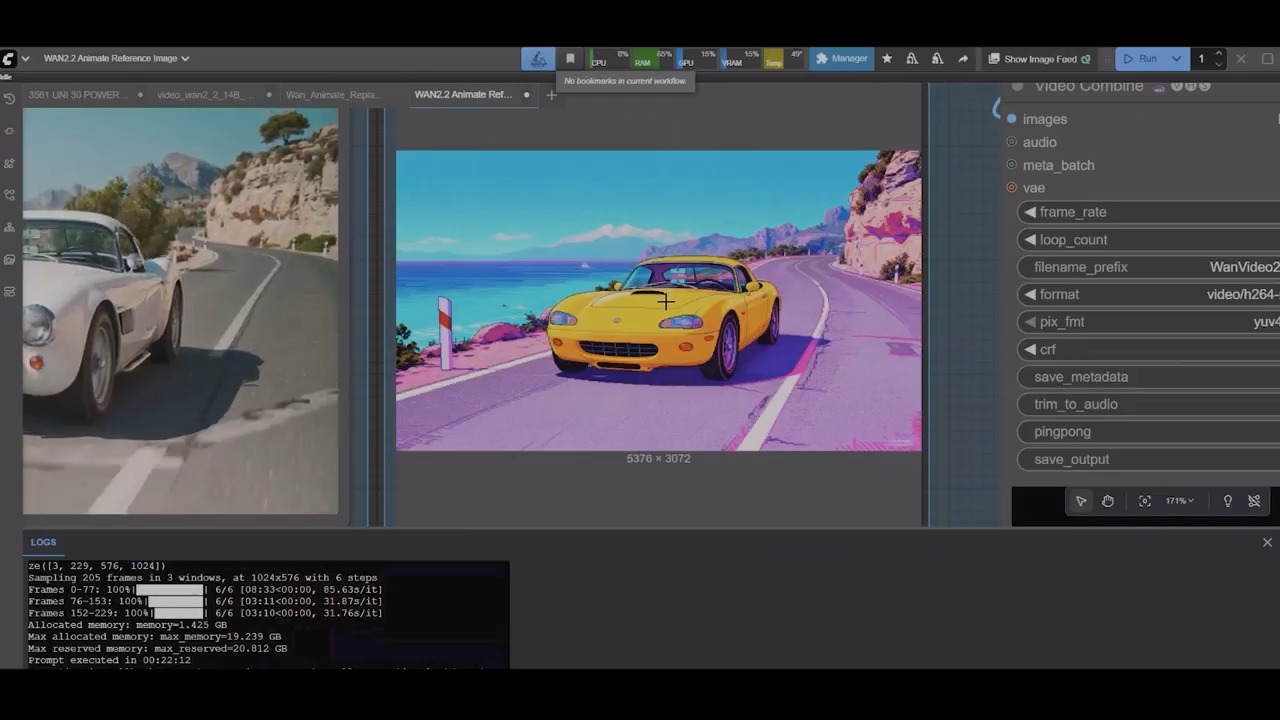
Iteration speed really matters. We’ll often prototype on older, free, or faster models to get the prompt 80% there, then switch to the “hero” model for final outputs.
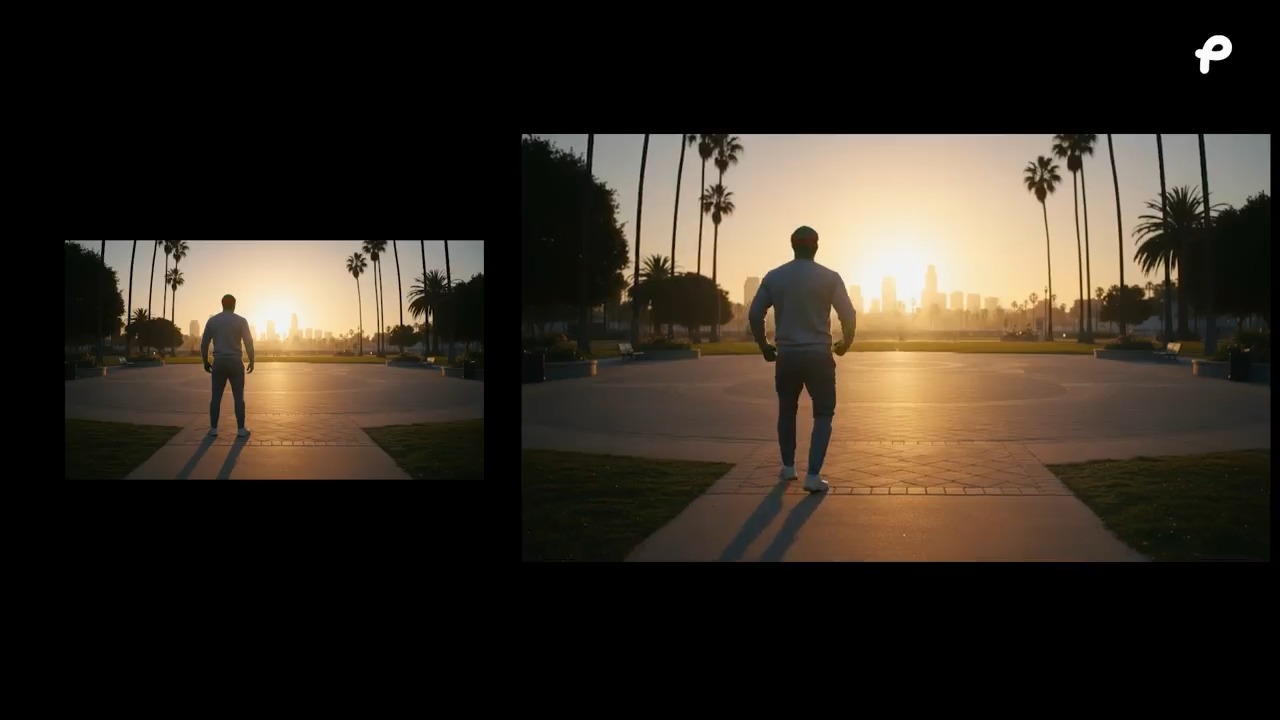
In the original post we shared how we prompted four of the most recent image models to generate the same scene, side by side.
Anything you think we’ve missed or would change? Let us know.